Google Ads reporting that makes sense
Clear reports on leads, cost and what changed, in a format you'll actually read.
How it works
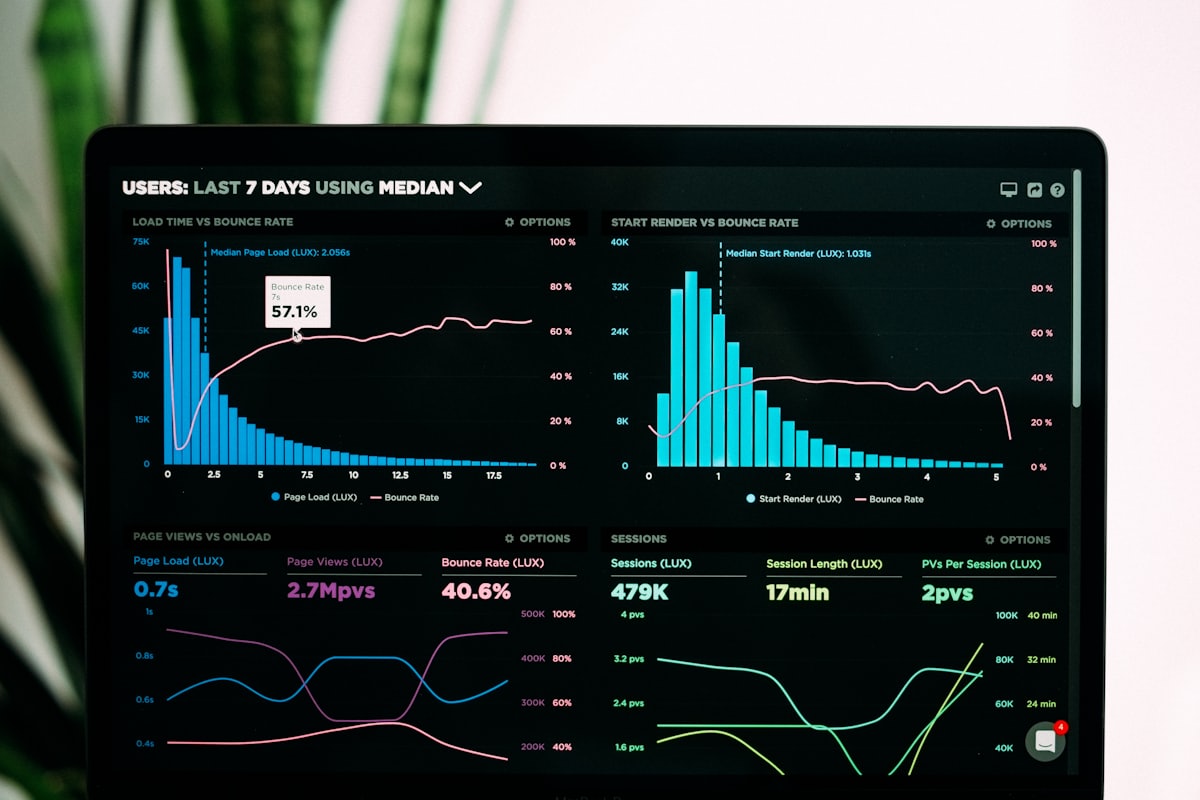
A good report answers three questions: how many leads did we get, what did they cost, and what are we doing next. I build reports around those questions, without pages of numbers nobody reads. You can choose the type of report that suits you, and agencies can have reports in their own branding.
What's included
- Monthly plain-English summary
- Live dashboard you can open any time
- Leads, calls and cost per lead by campaign
- Search terms and wasted spend highlights
- What changed this month and why
- Plan for next month
- White-label branding for agencies
- Review call to go through the numbers
Types of reports I provide
Monthly summary report
A short written report with results, what I changed, and what's next. The default for every client.
Live dashboard
A Looker Studio or custom dashboard that updates itself, showing leads, spend and cost per lead by day, campaign and location.
Lead and call report
A breakdown of form fills, calls and bookings, so you can match ad leads to real customers.
Search terms report
What people actually typed before clicking, plus the negatives added to stop waste.
Landing page and conversion report
Which pages turn visitors into leads, using GA4 data, and where people drop off.
White-label agency report
Your logo, your format, your client's KPIs. Delivered on your schedule, ready to send.
Want this set up for your business?Start with a free account review.
How we get started
Agree on goals
We decide what counts as a lead and which numbers matter most.
Fix tracking
Reports are only as good as the data, so tracking gets checked first.
Build the report
Monthly summary plus a live dashboard if you want one.
Review together
Short monthly review, with a clear plan for the next month.
Common questions
What should a Google Ads report include?
Leads, cost per lead, spend, the main changes made, and the plan for next month. Extra detail is useful only if you'll use it.
Can I see my results any time?
Yes. I can set up a live dashboard that updates automatically, so you don't have to wait for the monthly report.
Do you use Looker Studio?
Yes, along with GA4 and other reporting tools. The tool depends on what's easiest for you.
Can you make reports in my agency's branding?
Yes. White-label reports use your logo and format, and your clients never see my name.
How often will I get a report?
Monthly by default, with weekly updates if you need them. Live dashboards update daily.
Related services
Local Services Ads (LSA)
Pay-per-lead ads at the very top of Google, with the Google Guaranteed or Google Screened badge.
Learn more →AI-Powered Google Ads
AI makes the work faster and catches more. A human still makes the decisions.
Learn more →Landing Pages and A/B Testing
Pages that match your ads, plus A/B tests that show which version brings more leads.
Learn more →Want a second opinion on your account?
Get a free account review with clear, honest next steps. No obligation.